
Financial Forecasts & Scenarios
Forecast your numbers and test every what-if before you spend
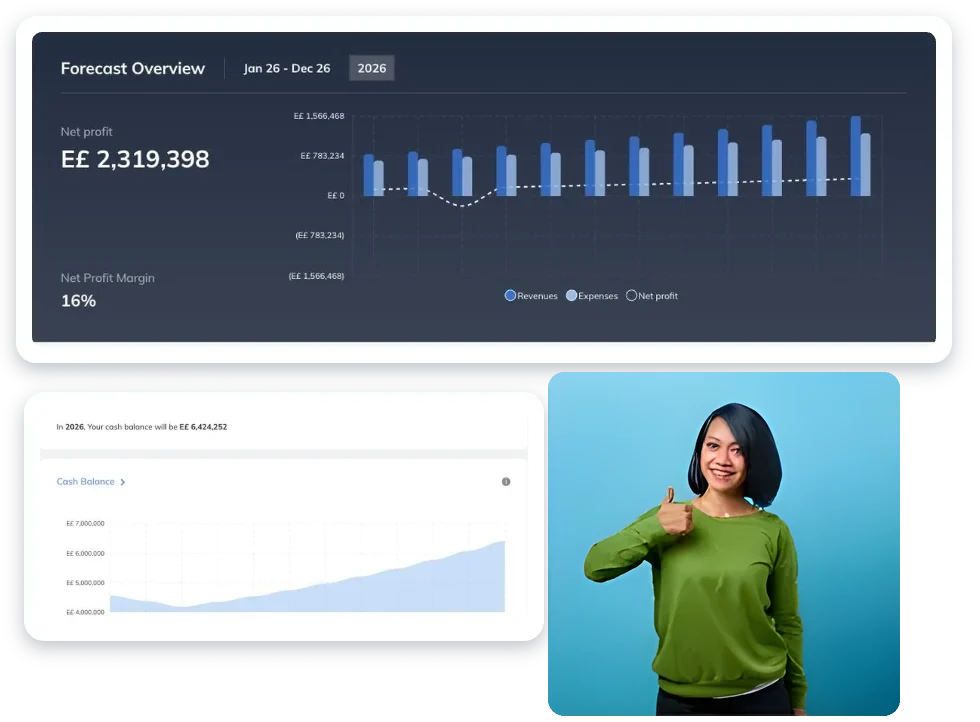
BznsBuilder turns your sales, costs and hiring plans into a full forecast (P&L, cash flow and balance sheet), then lets you test what-if scenarios to see how a price change, a new hire or a late loan affects your cash.
Built for SMEs in MENAIn English and Arabic
7-day free trialNo credit card needed
Connects to the tools you useQuickBooks Online and Excel import today, more integrations on the way
Smart forecasts, zero spreadsheets.
Automatic Financials
Accelerate your business plan with lightning-fast financial forecasts.
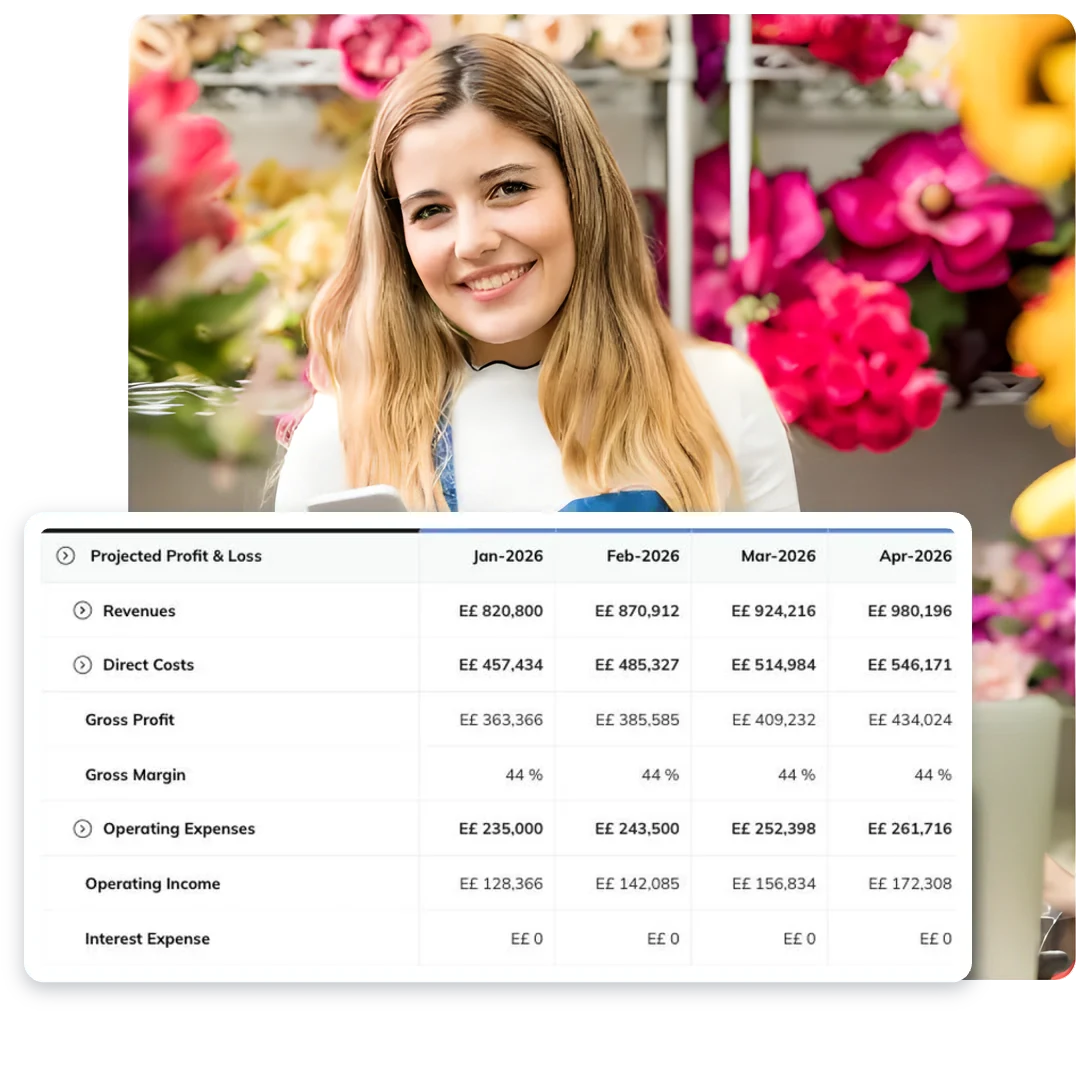
Enter your sales, costs, team and funding step by step, with examples to guide you. BznsBuilder builds the profit and loss, cash flow and balance sheet automatically, and AI suggests forecast categories you may have missed. You get everything lenders and investors expect, from sales forecasts and expense budgets to the three financial statements, with no formulas to write.

Financial Scenario Planning
Turn every “what-if” into smarter decisions.
Your business decisions become a playground for profit! Whether you’re launching or scaling up, our dynamic financial forecasting and scenario planning tools let you see exactly how every move will impact your bottom line:
- What if the bank delays financing by three extra months?
- Could new vendor partnerships reduce my costs?
- What would be the impact of discontinuing my least profitable product?
- How much should I allocate to a new marketing channel?
- When is the ideal time to invest in new equipment?
Launch includes 1 what-if scenario, Build up to 3 and Decide up to 10.
Cash Analysis
Keep your cash flow strong and be ready for whatever comes your way.
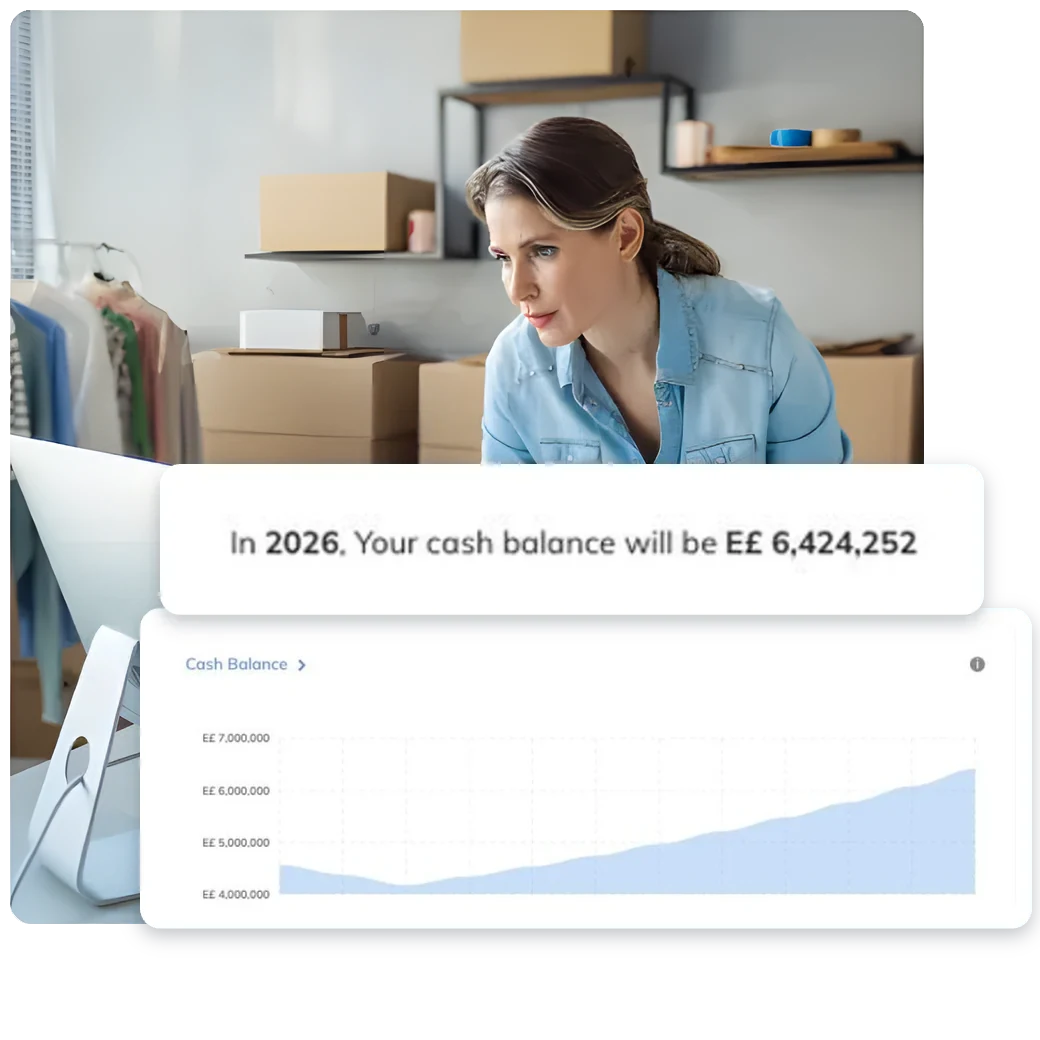
Identify cash flow issues before they become a problem—ensuring you always have enough to cover your bills. With real-time cash flow tracking on Decide, you can see how upcoming months will impact your cash balance. If you notice any big differences, simply dive into your dashboard to pinpoint what went right or wrong. This real-time monitoring keeps your finances healthy today, tomorrow, and beyond.

Forecast vs Actuals
Build realistic budgets and turn your financial goals into reality.
On Decide, connect your QuickBooks account and use the BznsBuilder Dashboard to compare your financial forecasts to your actual results in real time. Instantly spot growth opportunities or adjust your budget with an at-a-glance view of your plan versus actuals.
Growth Planning
Drive your growth with data-powered insights.
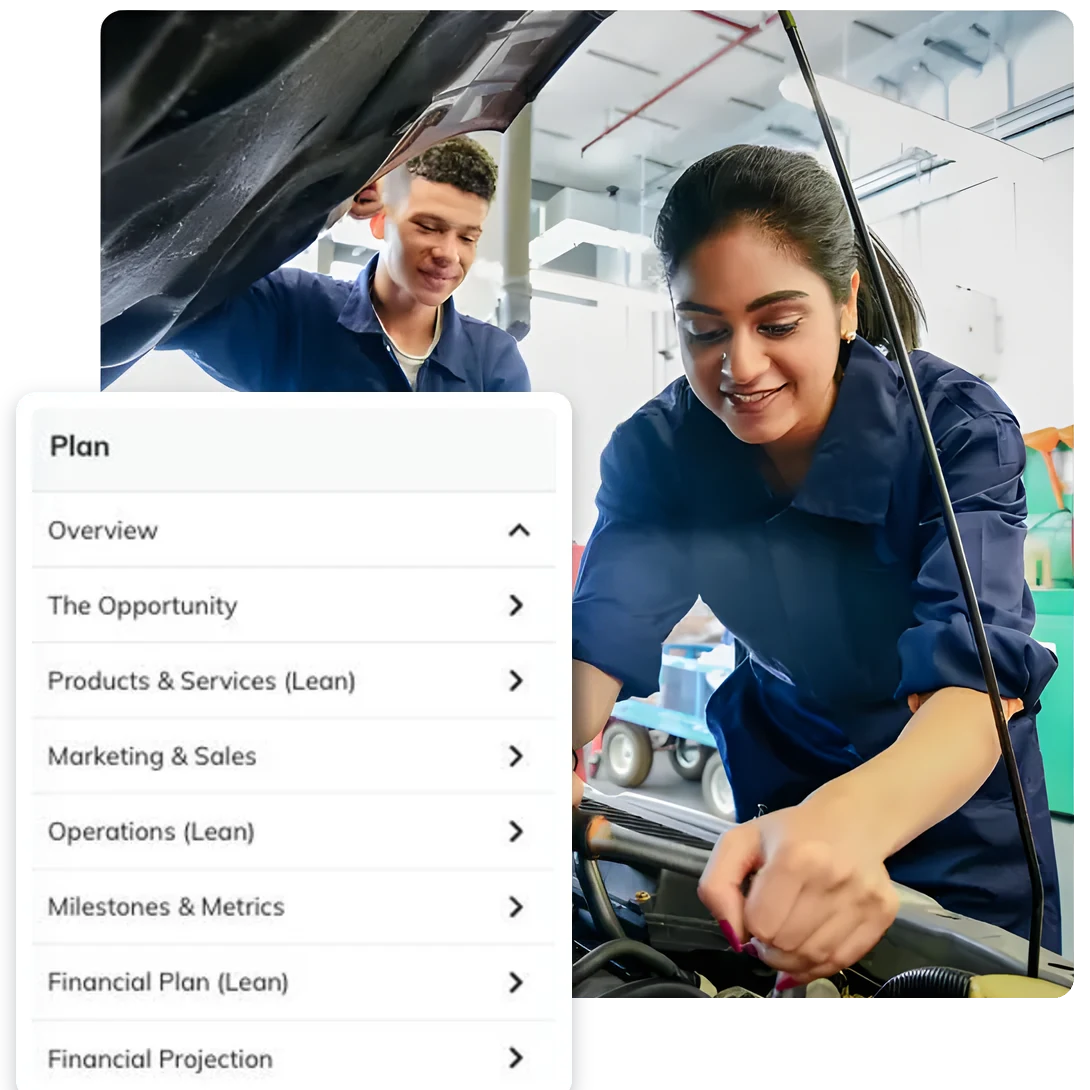
Markets shift fast and technology races ahead. With our growth planning, you’ll adapt quickly, stay focused, and make smart decisions for your business. Discover our simple, repeatable four-step process to keep your business thriving at every stage.
- PlanWrite your business plan in BznsPlan.
- ForecastTurn it into a financial forecast of up to 10 years.
- ReviewCompare actual results with your forecast in the Dashboard.
- RefineUpdate your assumptions and test what-if scenarios.
Built for how SMEs in MENA plan and grow
BznsBuilder keeps your business plan, financial forecast, Reality Check and pitch deck in one place, in English or Arabic and in your own currency. Test an idea, prepare for funding and track results without juggling spreadsheets.
Help when you need it
Fuel your success with AI-powered inspiration.
BznsBuilder’s AI suggests forecast categories as you build, and Reality Check compares your numbers with typical ranges for your industry before you spend.
Guidance at every step.
Follow the step-by-step Business Plan Guide and the guided financial setup, with examples along the way and video tutorials in the help center.
Stuck? Our team is here to guide you.
Got a question? Chat with the BznsBuilder team from inside the app, or find answers in the help center.
Frequently asked questions
What is financial scenario planning?
Financial scenario planning means building a base forecast, then copying it and changing one assumption (prices, hiring, a loan delay) to see the effect on profit and cash. In BznsBuilder each what-if scenario recalculates your P&L, cash flow and balance sheet, so you can compare them side by side before you decide.
How many financial planning scenarios can I create with BznsBuilder?
Launch includes 1 what-if scenario, Build includes up to 3, and Decide includes up to 10.
Does BznsBuilder generate financial charts and graphs automatically?
Yes, when you enter your data in BznsBuilder, all the charts and graphs a lender or investor would expect to see are automatically generated.
Will BznsBuilder create my forecast for me?
Largely, yes. On Decide, connect QuickBooks Online and the Forecast Builder imports your data to create a starting forecast. Without QuickBooks, BznsBuilder guides you step by step with examples, and its AI suggests forecast categories to add. Either way, your profit and loss, cash flow and balance sheet are built automatically.
Does BznsBuilder include all the financial statements a bank, lender or investor expects?
Yes, when you create your financial forecasts with BznsBuilder, the numbers you enter will automatically generate these essential statements. You’ll end up with a complete profit and loss (income) statement, cash flow statement and balance sheet.
Can I create pro forma financial statements with BznsBuilder?
A BznsBuilder Forecast provides the three standard (or “pro forma”) financial statements that accountants and investors typically expect. On Decide, connect BznsBuilder to QuickBooks Online to sync actual accounting data for comparison with your forecast. If you don’t use QuickBooks Online, you can also enter your data manually.
Can I download and print my financial forecasts?
Yes, you can easily download your financial forecast as a PDF or print it directly. Every plan also lets you download it as an Excel file to keep working in Microsoft Excel or Google Sheets.